



NIIMBOT B21 Pro White 300DPI HD 2-Inch Bluetooth Label Printer



 Mall
 Bahasa
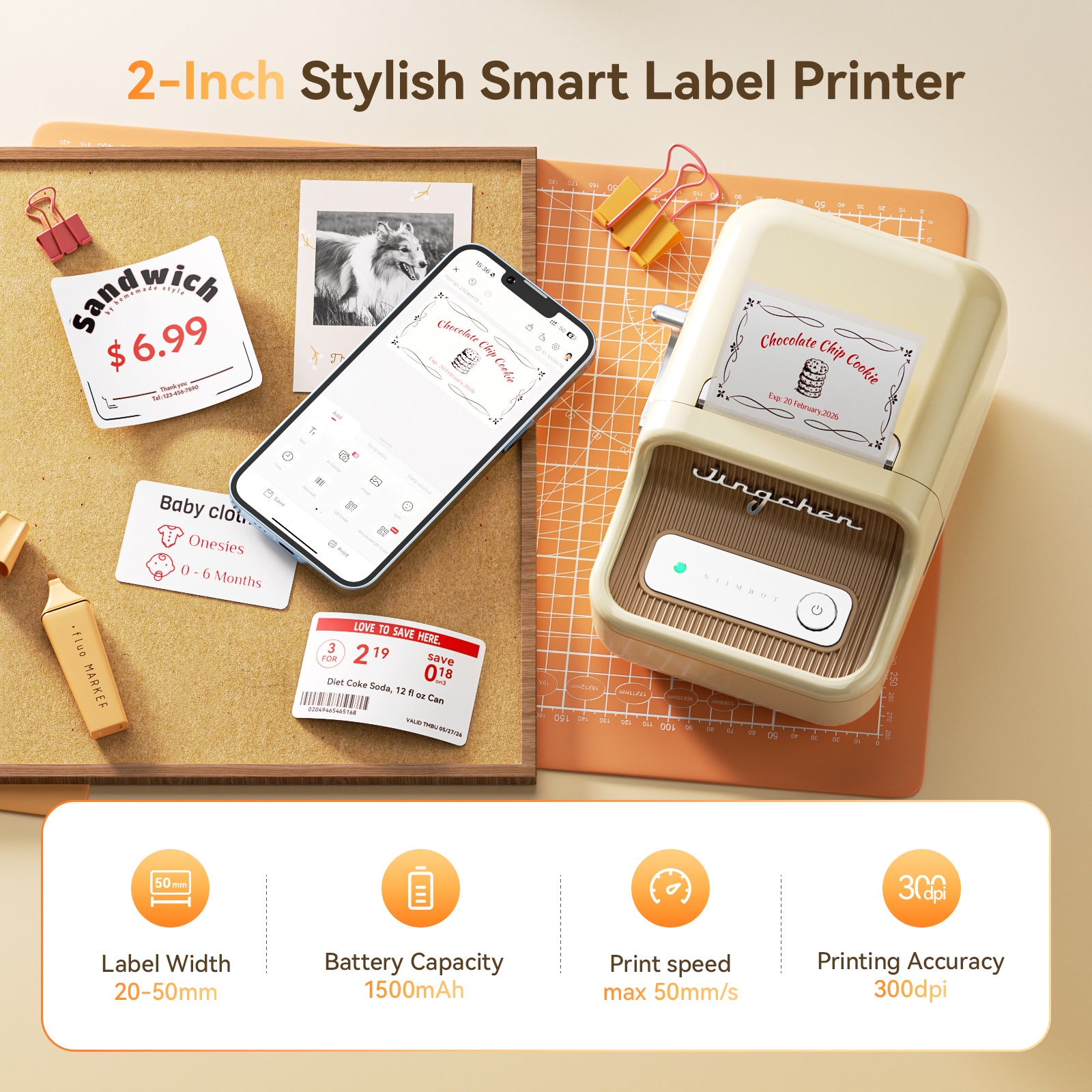
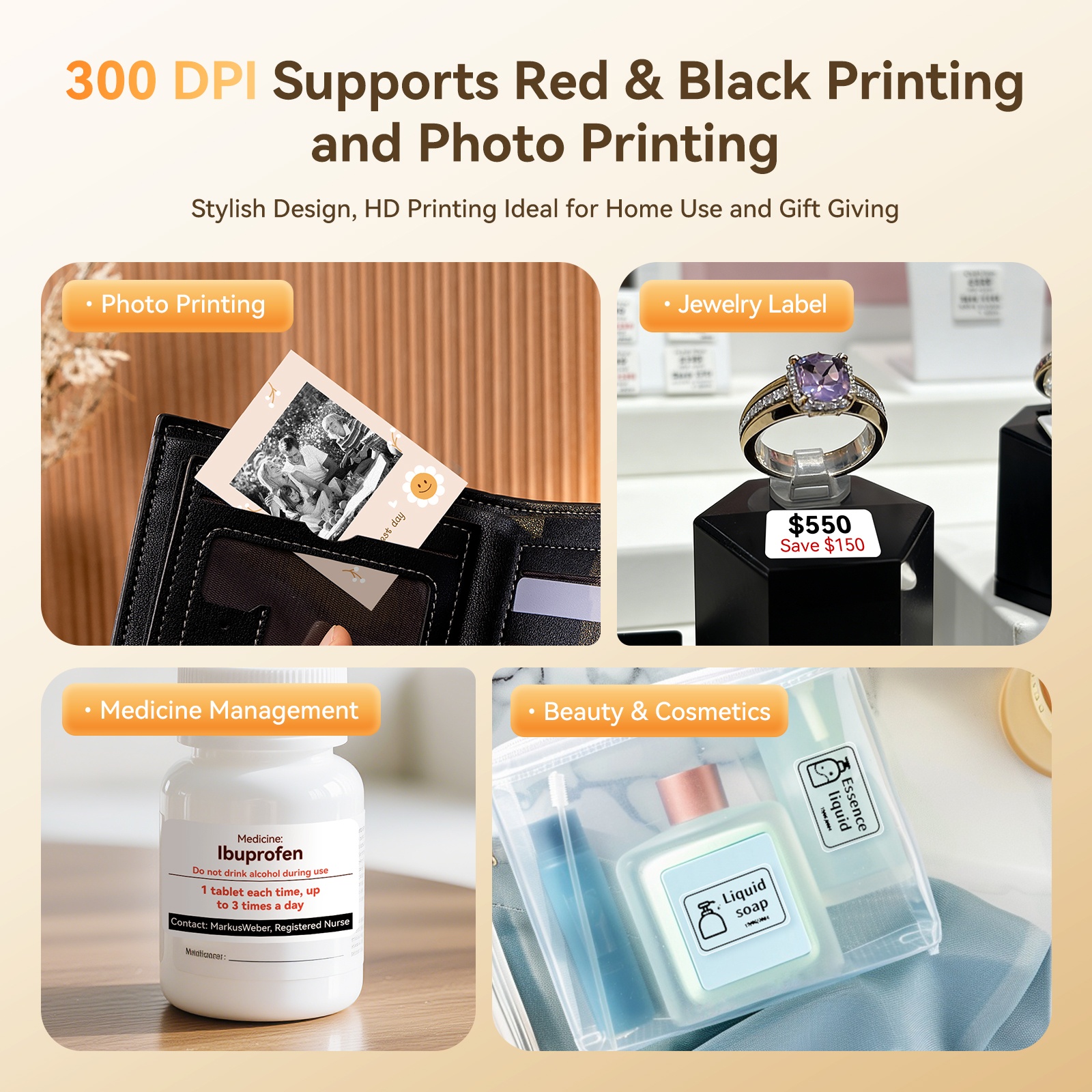
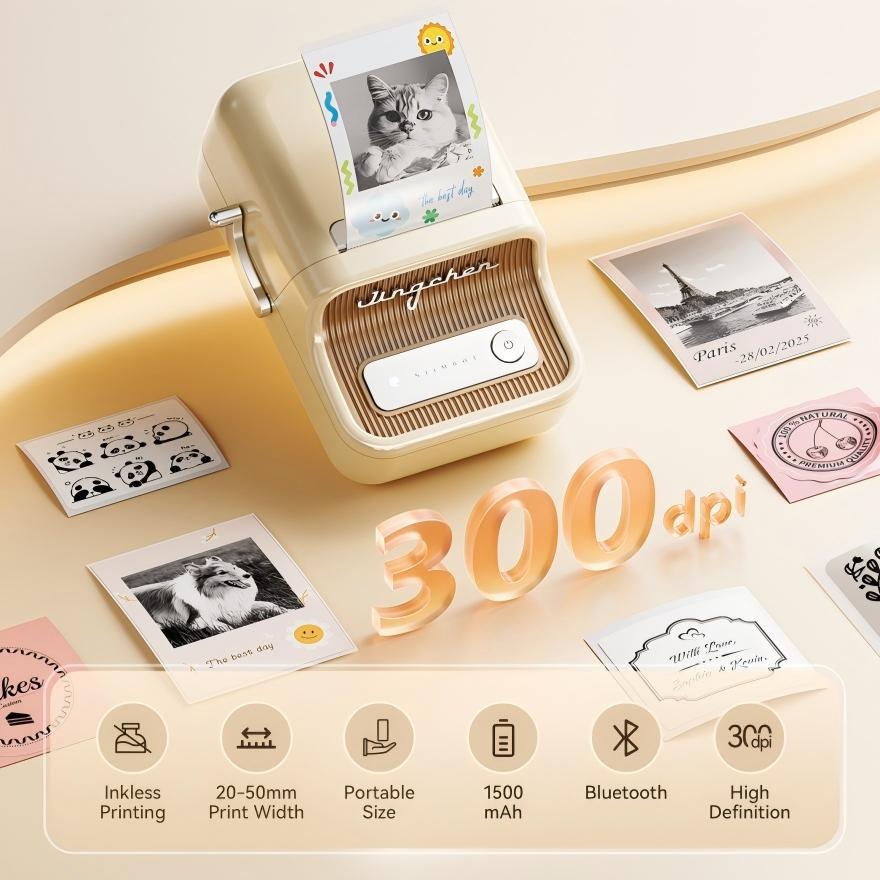
- 【New Upgrades】With its 300 dpi upgraded resolution, B21PRO new version thermal label maker let you create clearer words, images. In addition, B21 Pro label maker machine can print in both red and black colors at the same time. NOTICE: photo printing and color printing require the use of special label paper.
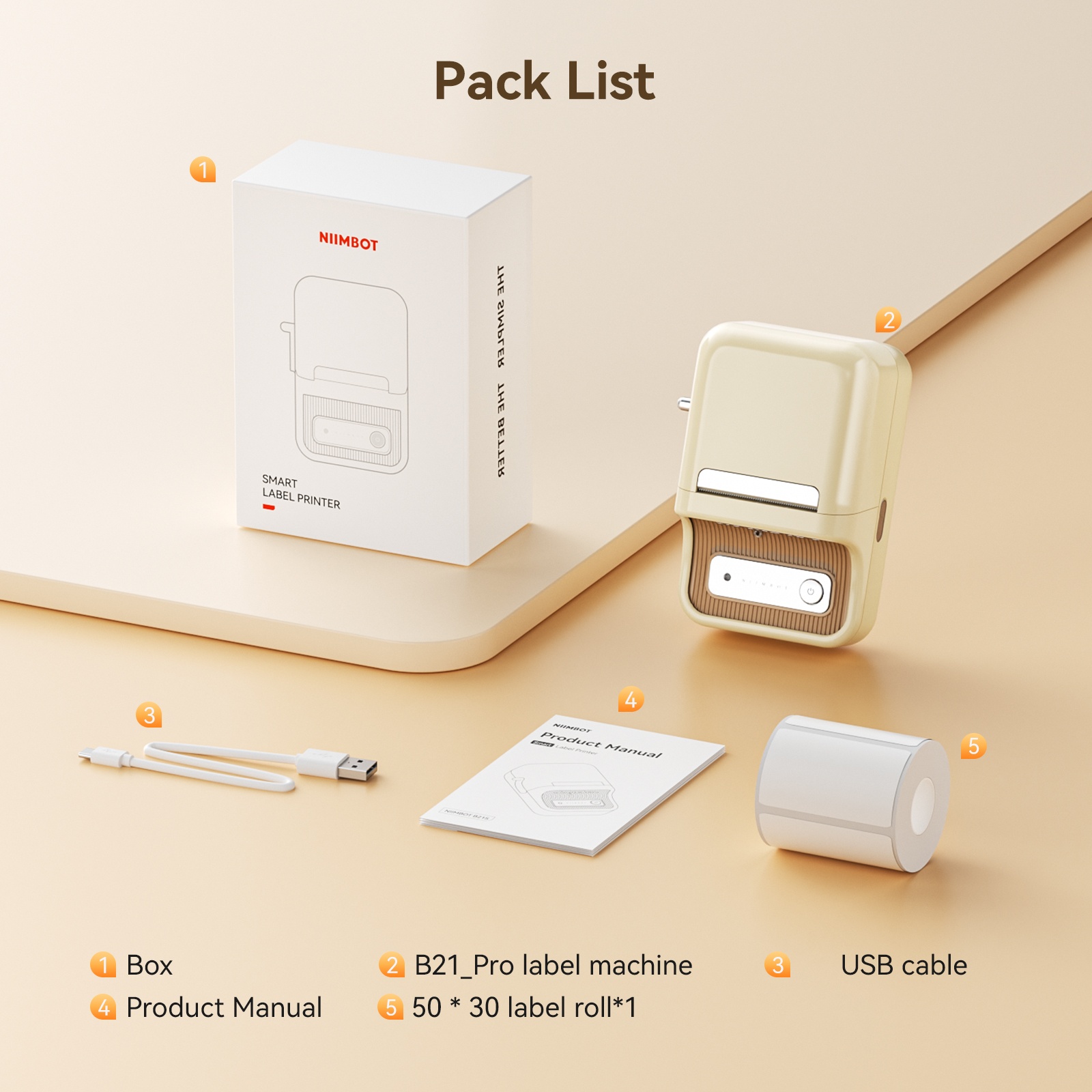
- 【NIIMBOT 2 Inch Label Printer】NIIMBOT B21 Pro label printer label width range of is 20mm-50mm(0.8-2 inch). The effective printable width is 48mm, support longest label length is 200mm (7.8 inch). This B21 pro label maker machine comes with 1 roll of 50x30mm labels (230pcs/Roll) in the paper bin.
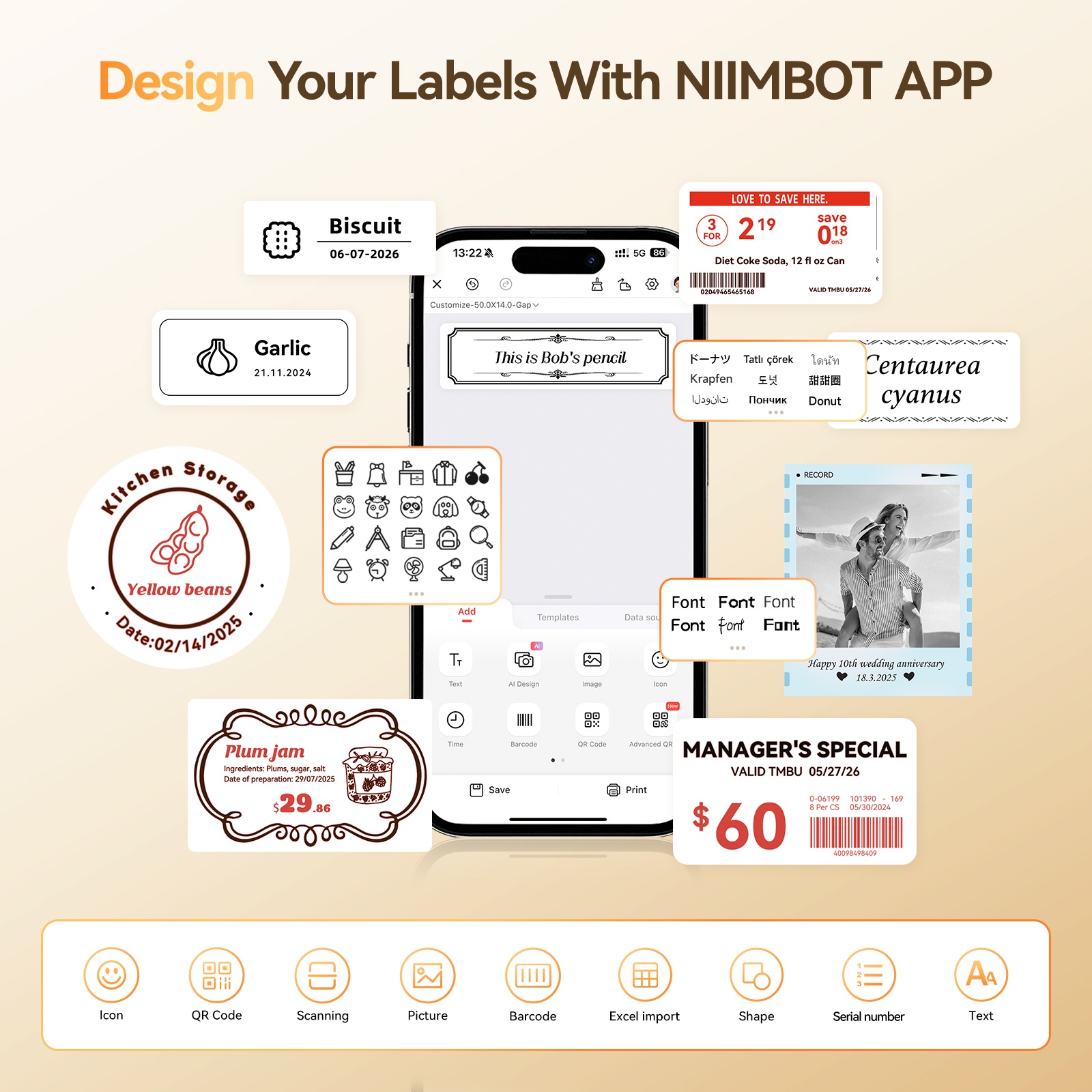
- 【Easy Printing via NIIMBOT APP】With the fonction of automatic label identification, The NIIMBOT app included more than support fonts/Languages,100+ borders, and 1500+ symbols, excel, QR code, OCR print etc... Just need to download the free app, choosing and connecting printer model B21pro from NIIMBOT APP, Then Enjoy Printing. There is no need to buy VIP monthly fee for daily use, just use the existing free fonts and icons. Please be assured that we will update the free resource regularly.
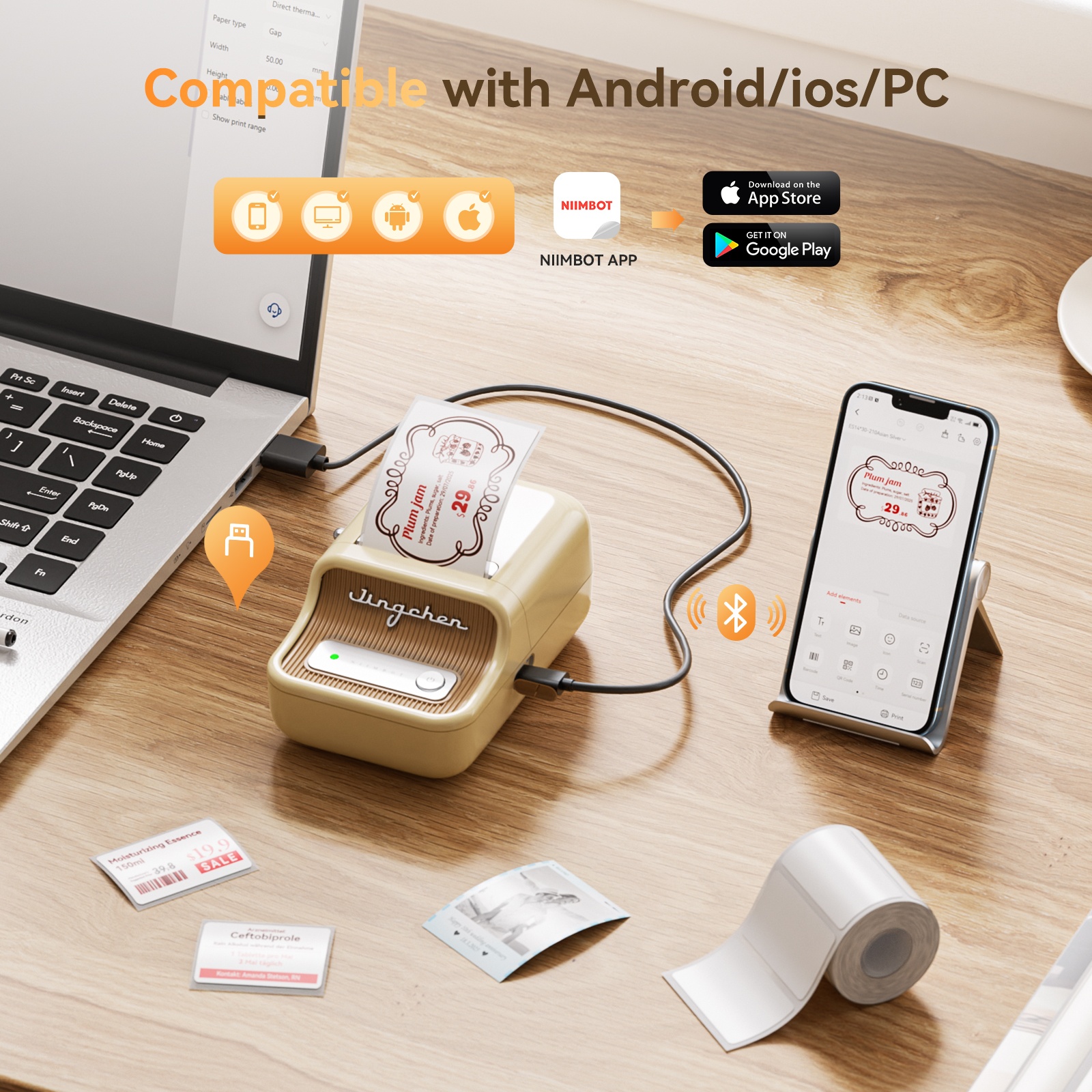
- 【Two Ways for Connecting】The B21 Pro label maker is compatible with Android and IOS via bluetooth, USB cable connection for PC,need to download the NIIMBOT application on computer(Not compatible with Pad, not recommended for use with Pad.)
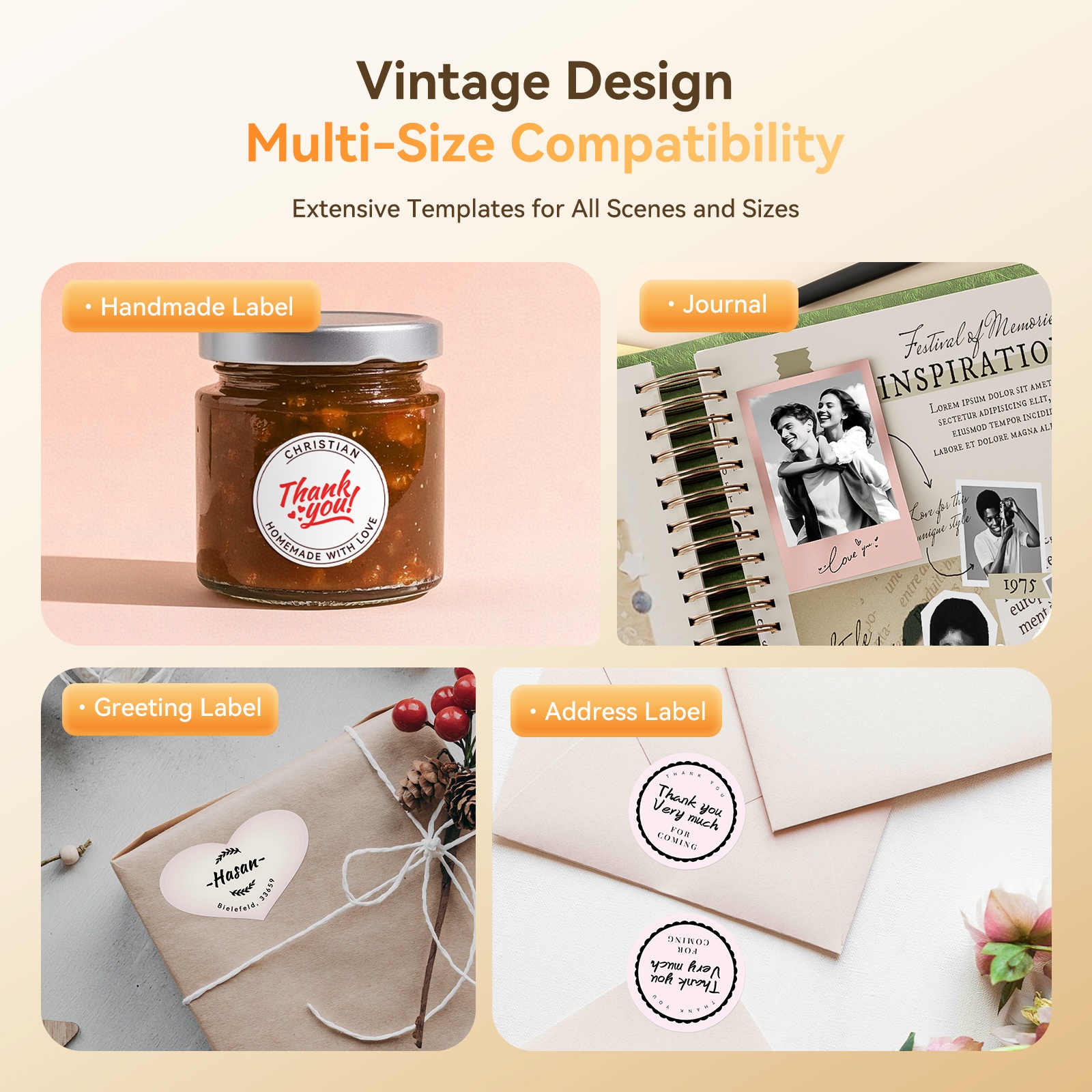
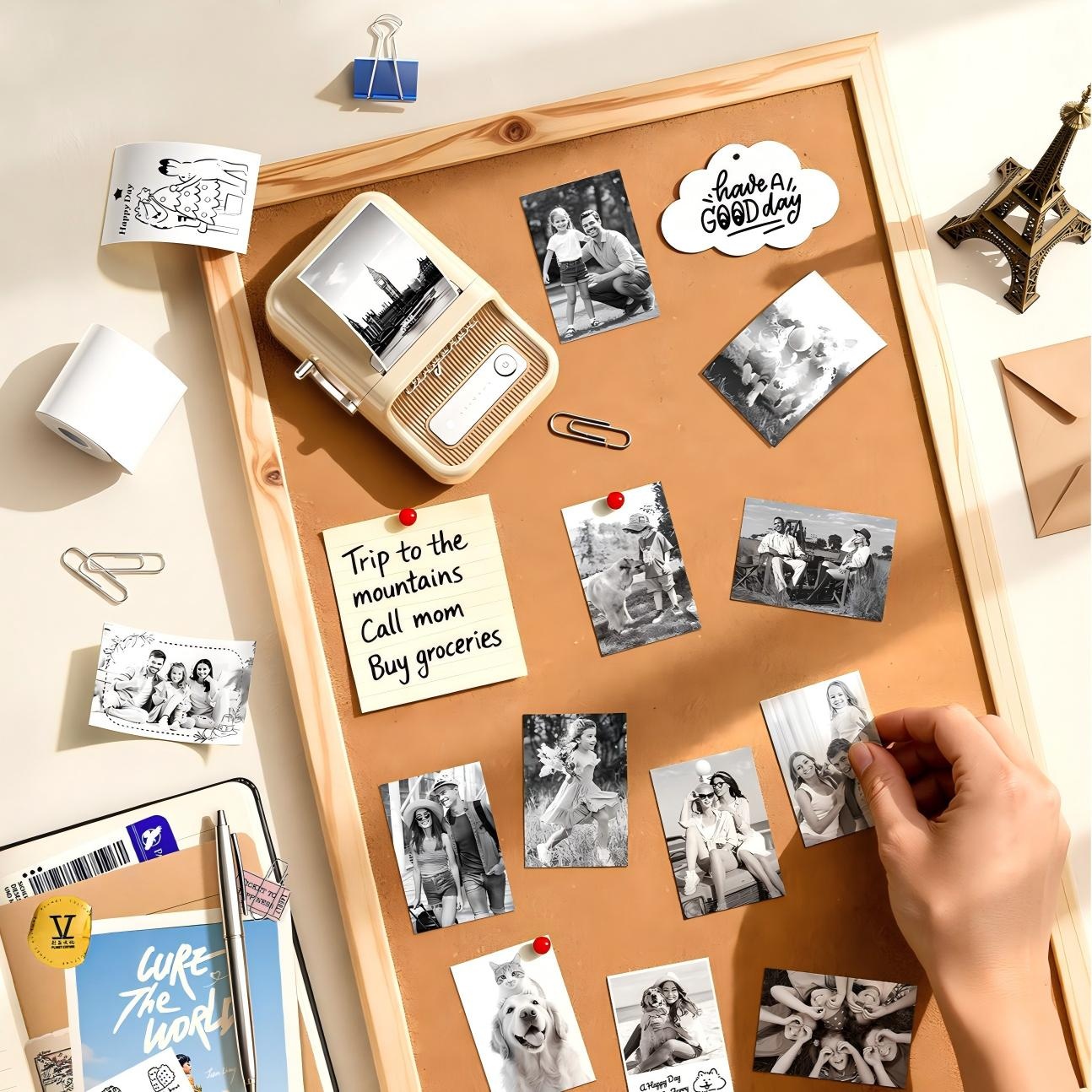
- 【Widely Use】Made of high quality material with retro style, this B21 pro label maker can be widely used in home organization, retail, wedding, party, clothing, bakery, jewellery, small business, school, home office. And this label maker also is a nice choice as present for Birthday, Anniversary, Housewarming, Christmas, Halloween, Thanksgiving, Mother's Day.
Origin
China
How to Use
1. Installing Label Paper * Please fit the paper into the paper compartment with the print side facing down 2. Downloading APP * Before using the printer, please install the NIIMBOT app or NIIM app from Google Play or the App Store 3. Connecting Bluetooth *Make Sure your phones Bluetooth is on, and then connect your printer in the APP 4. Power On the Label Printer * Please press long time at the power source button to power on the printer.
Ingredients
1. Packing Box 2. User Manual 3. Label Paper Roll 50*30mm ×1(Included Consumables) 4. Type-C Cable 5. B21_Pro Label Printer
Warnings
Do not use this product if it has been dropped, exposed to high temperatures, or is short-circuited.
Width
9
Height
6
Depth
13
SIRIM Reg. No.
RGWK/46A/0726/S(26-3466)
Delivery Fee
West Malaysia: First 3kg charge RM 7.42, Each subsequent kg add on RM 1.06
East Malaysia: First 3kg charge RM 21.20, Each subsequent kg add on RM 6.36
Delivery Time
West Malaysia: 5-7 working days.
East Malaysia: 5-8 working days.

